 Didcot Community Badminton
| |||
 | |||
Two months of the new app - stats, improvements and a few tipsHi everyone, It's been just over two months since club nights started running through our own app. A lot has changed in that time, and much of it came from your suggestions, so thank you. | |||
Some numbersSince the first app-run club night on 9 June:
| |||
Turn on push notificationsMore than half of members can't currently receive a push notification from the app, and that includes plenty of regular players. If that's you, you're missing the things that matter most: waitlist offers (a place is only yours for 30 minutes before it opens up to others), session changes, and your night recap. The app will show a warning at the top of the screen if notifications can't reach you - tap it and it will guide you through fixing it. Otherwise, check Account Settings, then Alerts, and make sure notifications are allowed for the app in your phone's own settings too. It takes under a minute, and it's the single best thing you can do to get more out of the app. 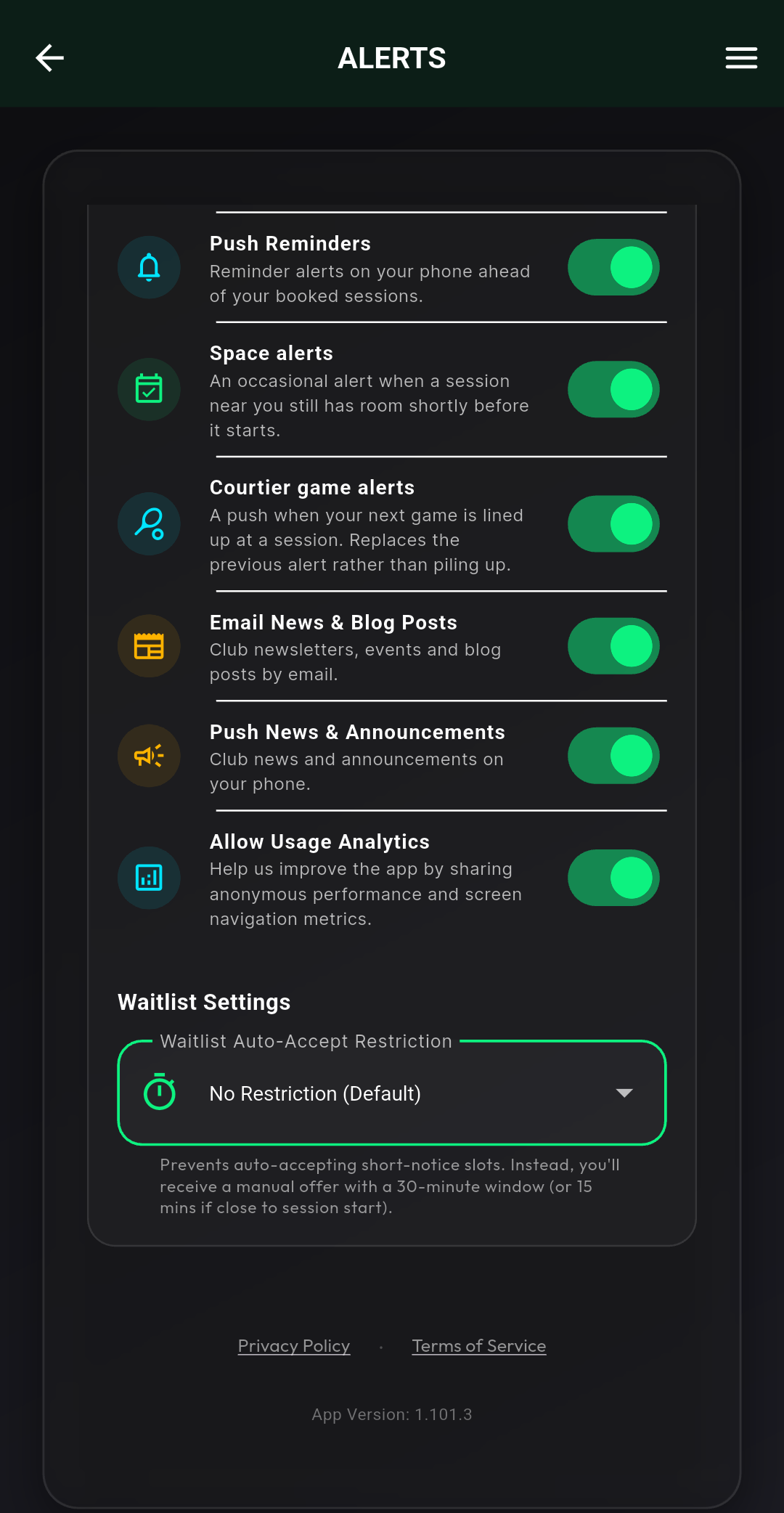
| |||
Fairer games, less waiting aboutThe app picks the line-ups on club nights, and we've tuned it a fair bit since launch. Line-ups now go up within moments of a court coming free, the evening runs without stalls, and hosts accept the suggested games almost every time rather than reshuffling by hand. Games should feel closer and turnarounds quicker. It balances each game on current form, mixes partners and opponents across the night, and keeps everyone's game count as even as arrival times allow. If a line-up ever feels wrong, tell your host on the night. We use that feedback to tune it. Some important points to understand:
Above all, trust the system, and it will get even better over time. If you spot anything odd, please let me know, or leave feedback via your post-session summary notification. 
| |||
Booking ahead, and why we count late cancellationsBooking weeks ahead is fine if you turn up to what you book. The problem is places held for weeks as a maybe and then handed back at the last minute. That makes sessions look full when they aren't, and other members simply can't book. It also discourages new club members, since they get the impression they won't be able to book a session for months. So the app now counts late cancellations (inside 48 hours) and no-shows, and if someone collects too many, their booking window is shortened for a while, and they sit very slightly further back in waitlist queues. That's it. No bans, no lost credits, and the count resets over time. There's a new section in the Member Guide explaining exactly how it works. The other half of this is that the waitlist is now much fairer and quicker at handing freed places to the people waiting, so there's no need to stockpile bookings far in advance. Book what you'll play, join the queue for the rest, and let the app do the work. Even the most diligent players will get strikes from time to time - sadly, life sometimes gets in the way of badminton! This is absolutely expected, and it's not a problem. If you see that you're accruing a lot of strikes, consider if you can change your booking habits a little and cancel further ahead. The new waitlist system is very fair, and prioritises those who haven't played recently, so if things change, you can always go on the waitlist and have a reasonable chance of getting a place. 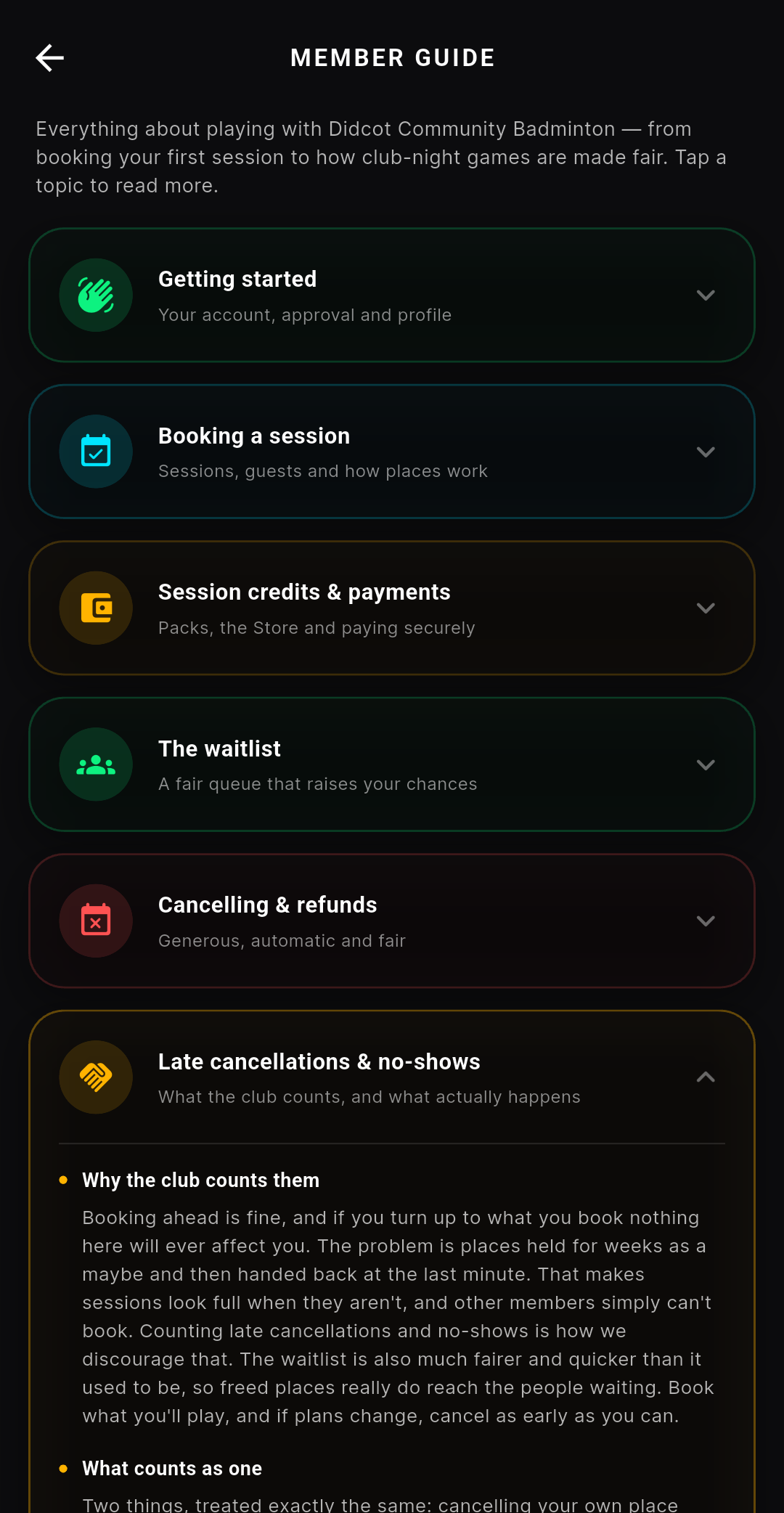
| |||
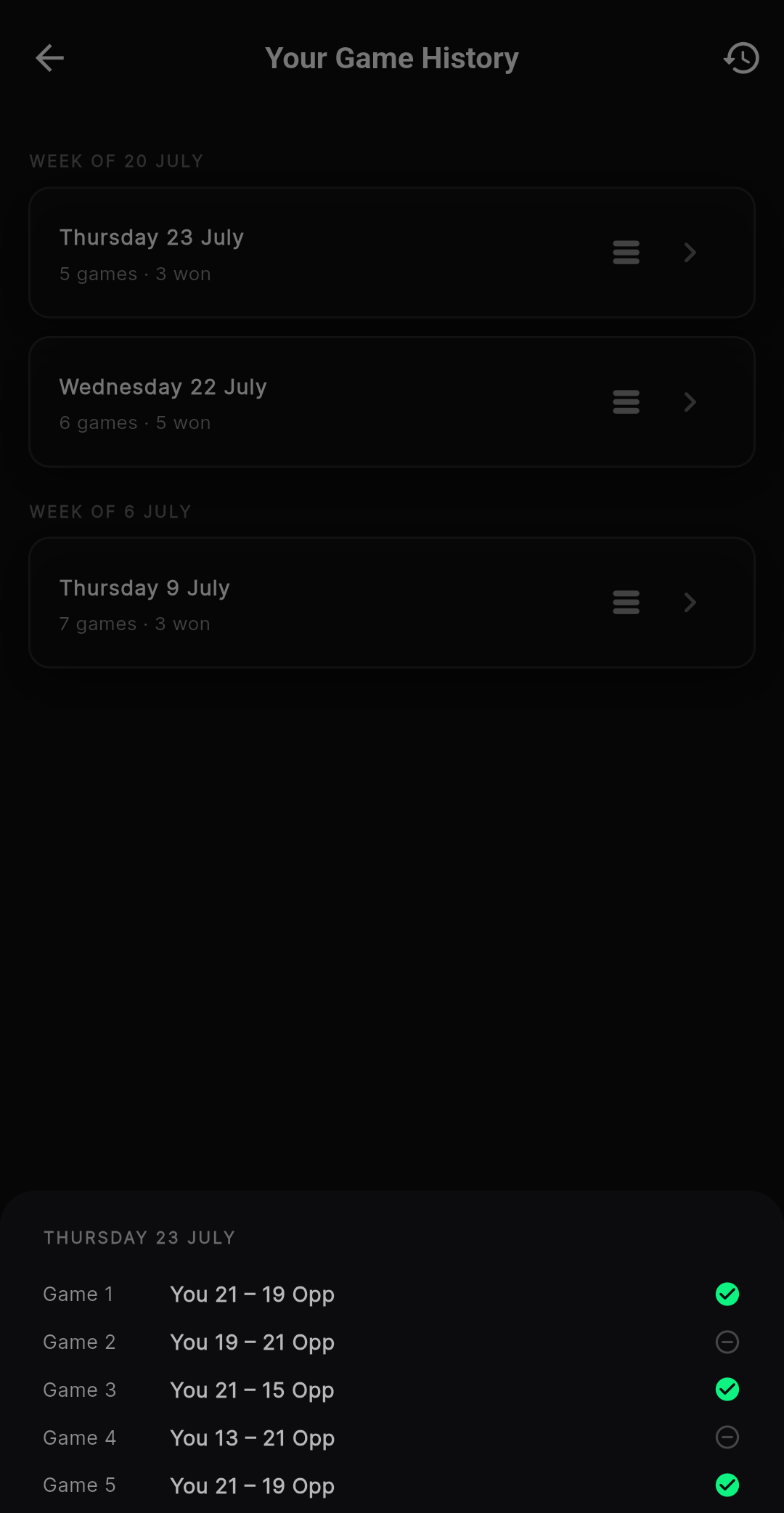
Things you asked forSeveral of this month's changes came straight from your messages:
| |||
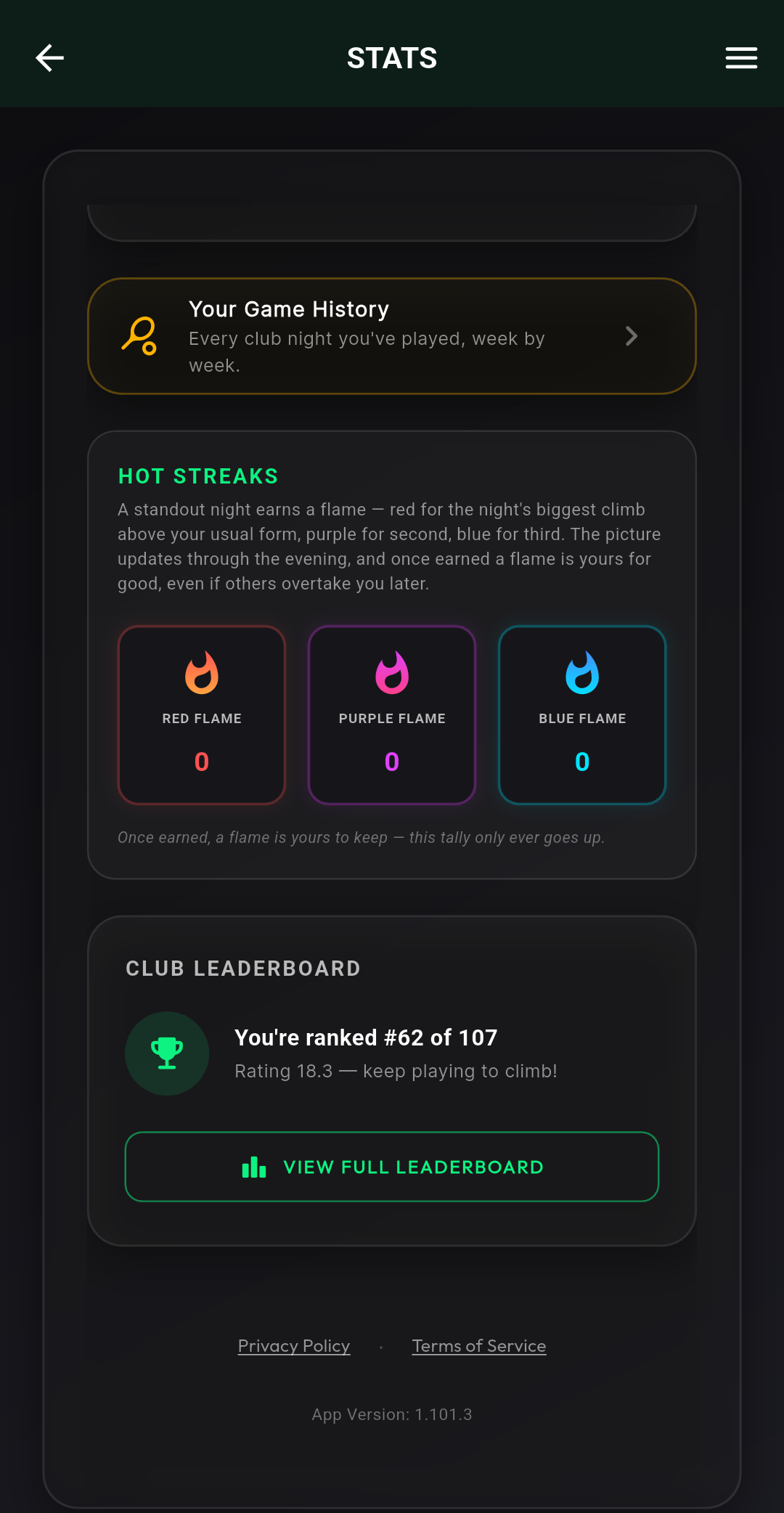
How your rating worksTap the info button on the leaderboard for a short explanation, or read the full version in the Member Guide. In short: every scored game moves your rating a little, closer games move it less, and it's about direction over a season rather than any single night. 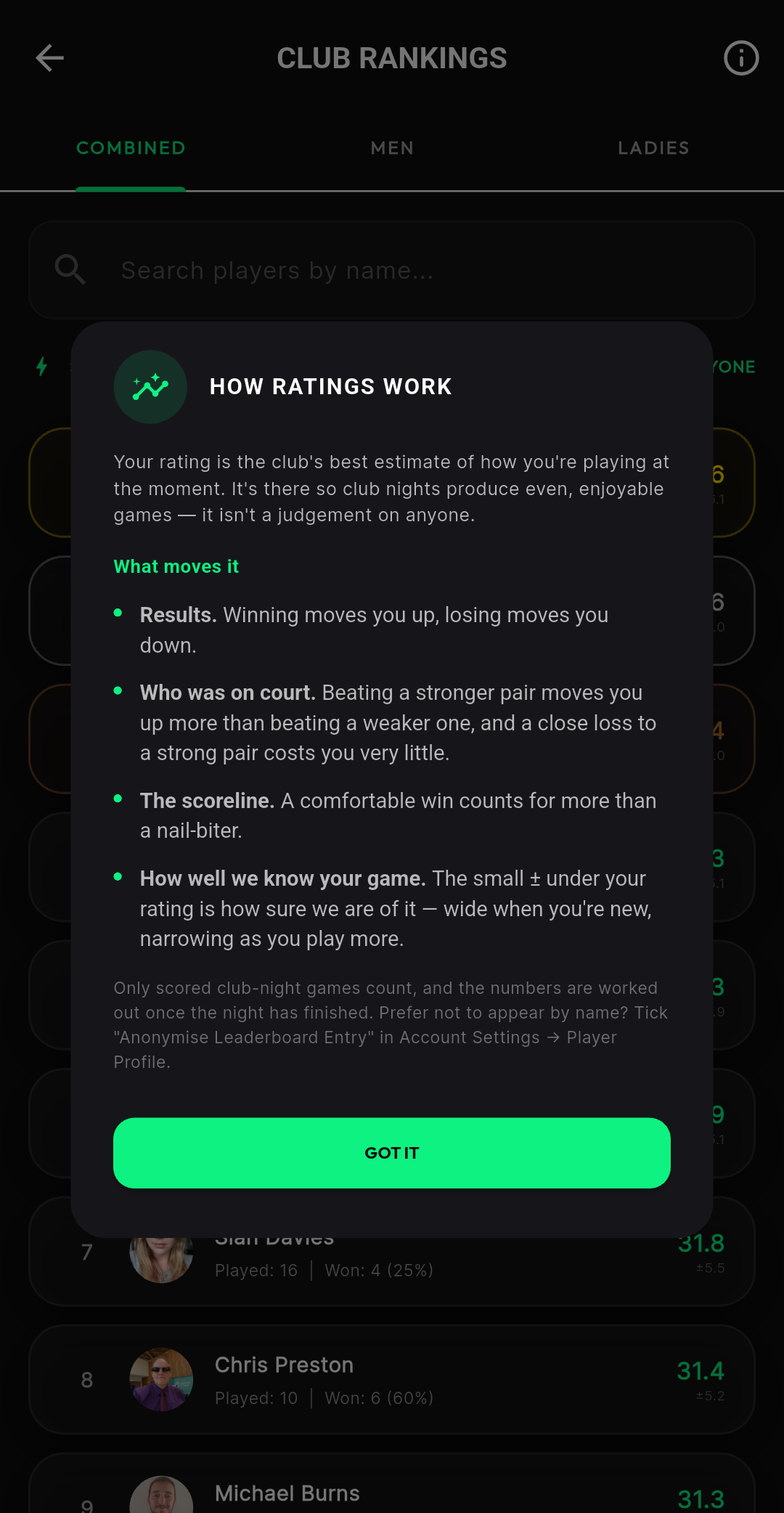
| |||
Badminton England membershipIf you play regularly, we'd encourage you to register with Badminton England. It gives you proper injury insurance while you play, discounts on gear, and it's what makes you eligible for our league matches against other clubs. It supports grassroots badminton too. And it's a condition of our club's affiliation that regular players sign up from their 6th session onwards. It's cheap, and if you join after June there's a discount on the BE website for the current membership year. Once you have a membership number, add it in Account Settings, Player Profile. When it's verified, your 5% discount on everything in the club store switches on automatically. 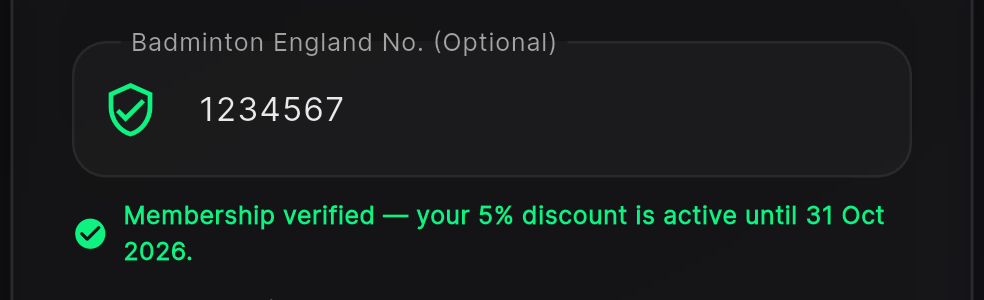
| |||
A few features you might have missedHousehold sharing. If you book and pay for badminton as a family, or for anyone else in your house, link your accounts as a household and session credits are shared automatically. One of you buys a bundle, anyone in the household books with it. Account Settings, then Household. It takes a minute to set up and hardly anyone is using it yet. 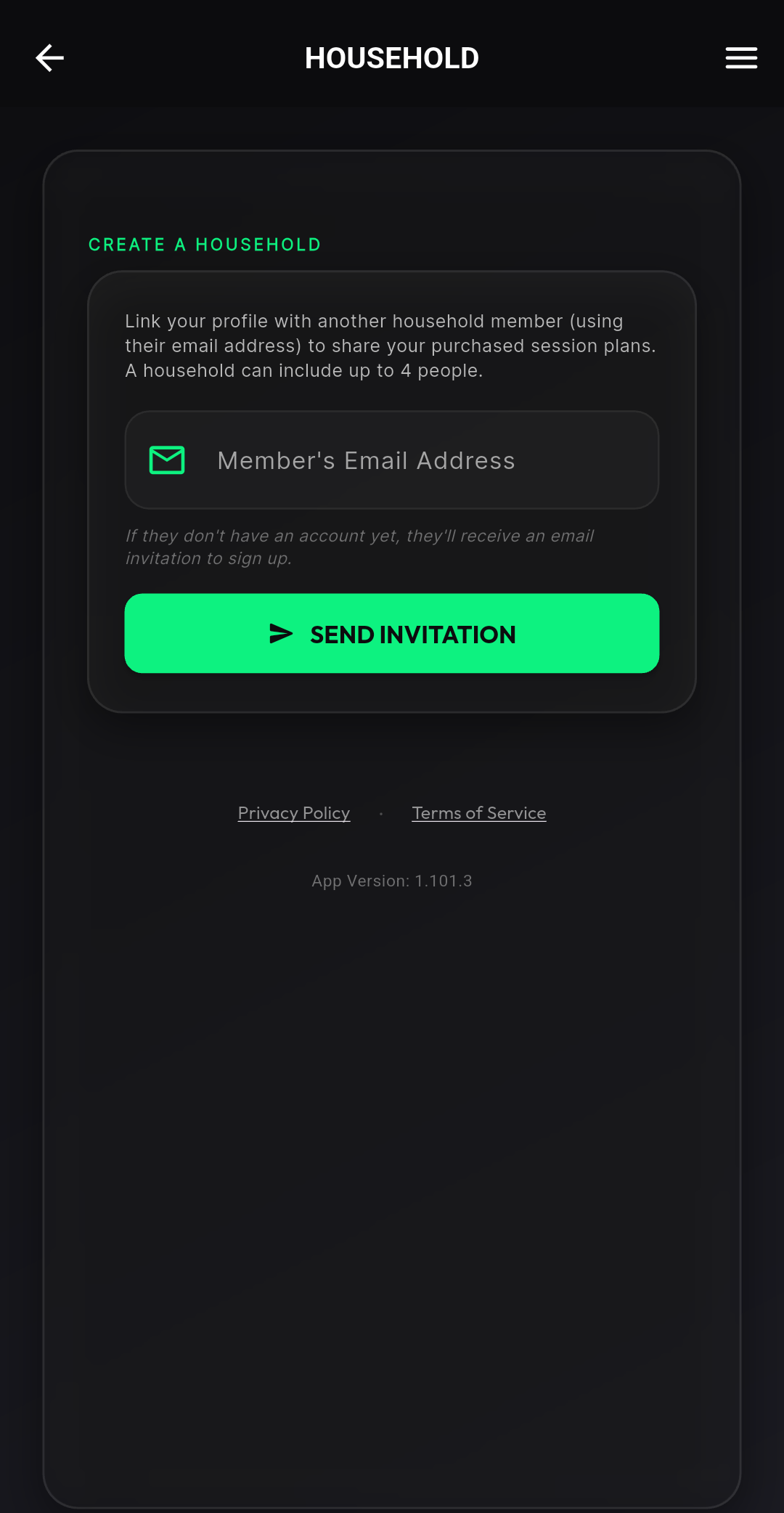
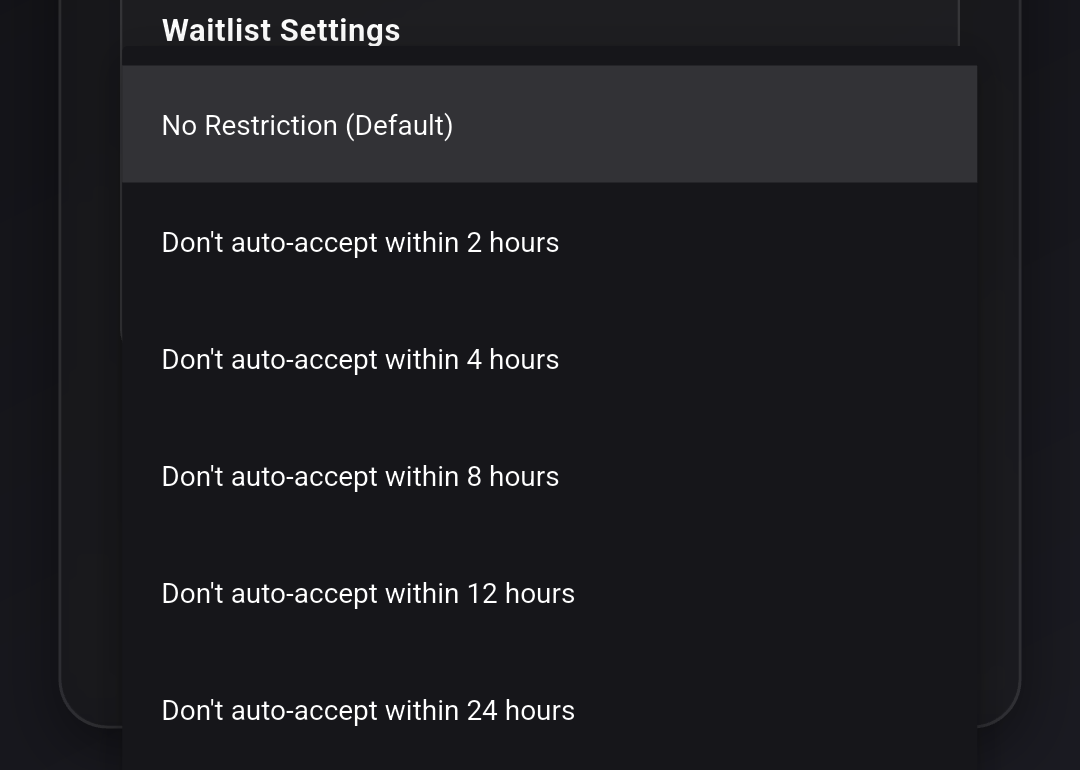
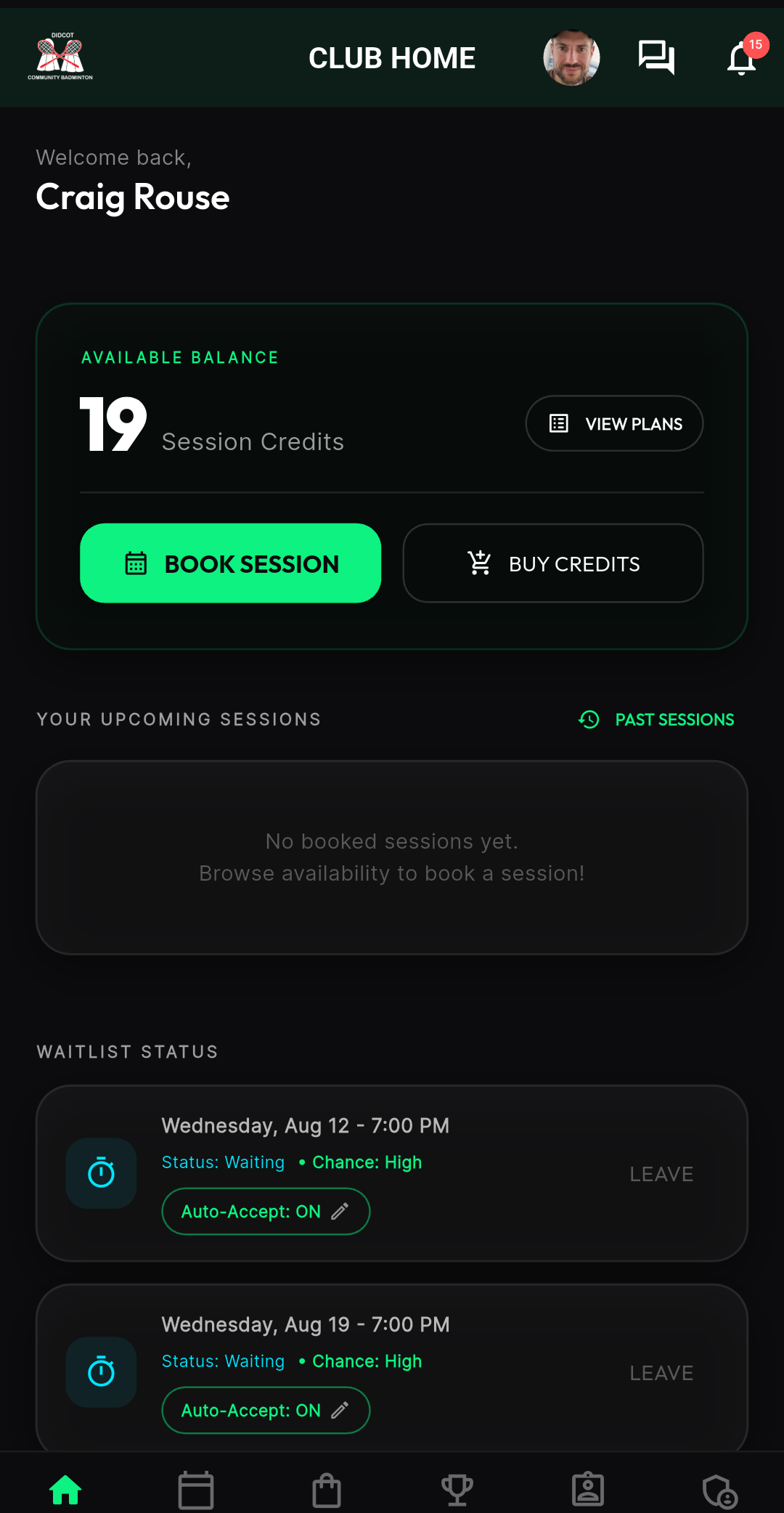
Saved guests. If you often bring the same friend, save them as a guest and the app remembers them each time. You can also send them a guest invitation, and this is worth doing: even though the place sits on your booking, a linked guest manages their own slot. They see the session in their own app, they can cancel it themselves if they can't make it, and they can confirm a waitlist offer without you lifting a finger. And because you paid for the place, any refund due when they cancel comes back to you, the booker. If they later join the club, a friend link connects their guest history to their new account. Auto-accept on the waitlist. If a session is full, join the waitlist and switch on auto-accept. When a place frees up it books itself, so you don't have to catch the notification in time. You can queue a guest or a group too.
Automatic check-in. Arrive at the venue with your phone in your pocket and the app checks you in. Just make sure it has background location permission. The app will let you know if you haven't granted permission, and guide you to setting it up. Pause yourself any time. On a club night, your own phone can pause and unpause you: open the session card on your home screen and tap PAUSE PLAY when you need a breather, then RESUME PLAY when you're ready. For a short break like a toilet stop, you can pause yourself on the club tablet too, and set how long you need: when the time's up you're put back into the rotation automatically. And if you have location on and you leave the venue, the app pauses you and checks you out for the evening by itself (walk back in and you're unpaused again). If you're heading home early though, it's always best to tap CHECK OUT yourself so nothing is left to chance. Your night recap. After each club night you get a recap with your games, scores and who you played with. You can rate the night there too, and every piece of feedback is read and used to improve the sessions. If you have feedback about anything, good or bad, this is the best place to put it. Fine-tuning your notifications. If you're getting too many notifications, or not enough, you can change exactly what you receive in Account Settings, under Alerts. There's a separate switch just for the courtside "you're up next" alerts on club nights, so you can keep those and turn everything else down if you like. Pay as you go. You don't need to buy a credit pack to play - you can pay for a single session by card when you book. If a one-off booking is cancelled with a refund due, it comes back to you as a session credit. Staying off the leaderboard. If you'd rather not appear on the club rankings, there's a switch in Account Settings to hide your name. Your games still count towards your own stats, you just show as anonymous to everyone else. Your next game, on your phone. On club nights the app can tell you when your next game is lined up, so you can relax between games without watching the board. It's the "Courtier game alerts" switch under Alerts, and each alert replaces the last one rather than piling up.
The Club Logo. Tap the club logo in the top left for quick access to the Help area, our social media pages, and the WhatsApp group. The Member Guide. Quick Links, then Member Guide. It covers everything above and more, in plain English. 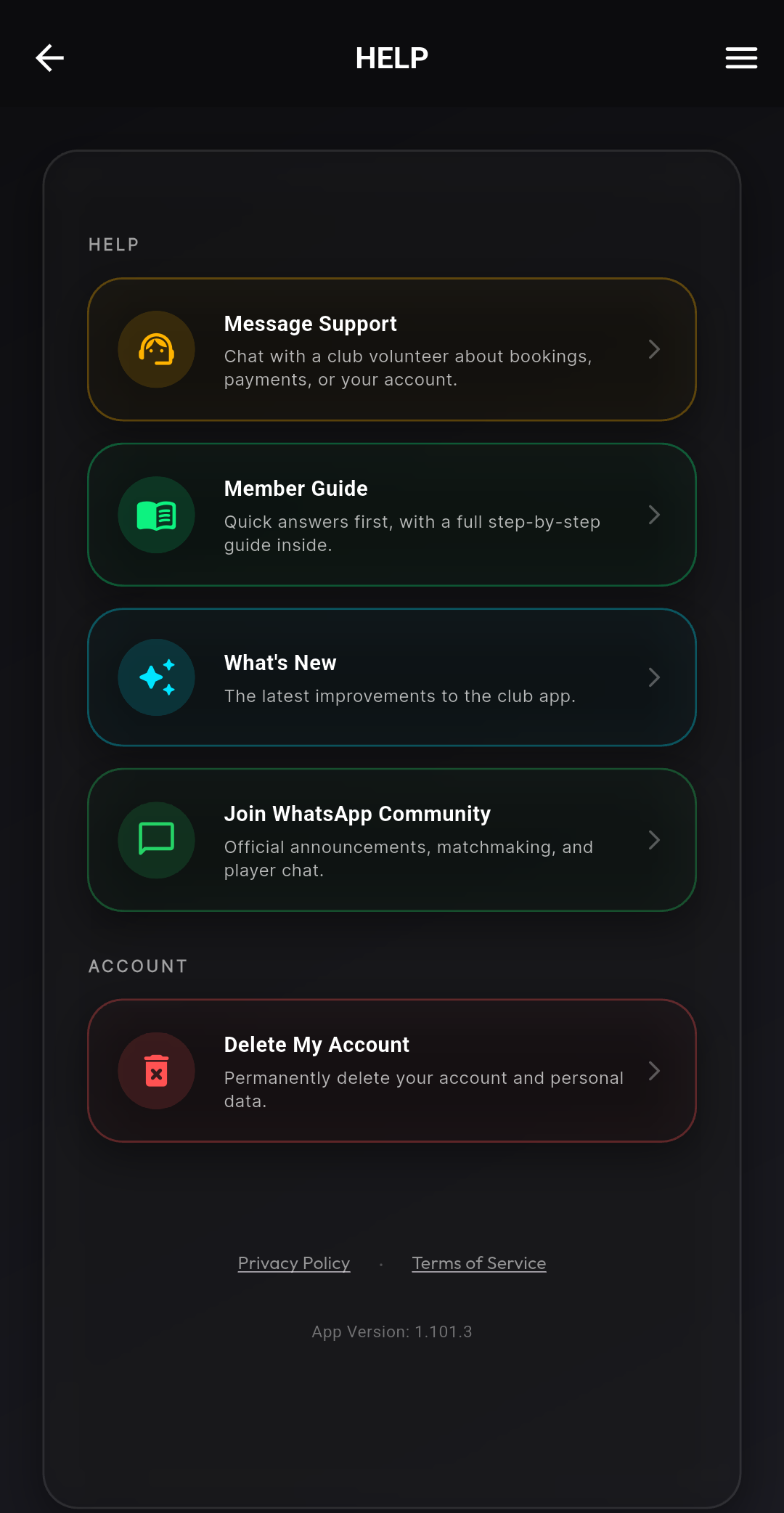
| |||
Your personal detailsA quick word on your personal details. Your contact details are restricted to club volunteers only, and even then on a need to know basis - data minimisation is a principle we stick to. Other members never see your address, phone number or email through the app: what they see is what you'd expect on a club night, your name and photo on rosters and the leaderboard, and you can hide your name from the leaderboard if you prefer. Data security is taken very seriously and is our first consideration. We can be trusted with our members' data, and if you ever have a question about what's held or who can see it, just ask. | |||
ThanksMoving the whole club onto a new app in one summer has been a big change, and you've been patient with the odd rough edge while we ironed things out. Thank you for bearing with us. One more helper: the app has an AI assistant with all the relevant club information, including visibility of upcoming sessions. If you need a quick answer, please consider asking it before contacting support. It saves our volunteers time, and it can see things like when the next available space is. It doesn't know about your personal data or your bookings, so for anything about your own account, the support chat is still the place. The app is run by the same volunteers who run the club nights, and most of the improvements above started as a message from a member. Keep telling us what's confusing or broken. The quickest way to get something sorted is the in-app support chat (Help, then Message Support): every volunteer sees your message immediately, whoever is available picks it up, and you get automated status updates as soon as we start looking into it. For most queries it's now a better bet than the WhatsApp Booking Support channel. See you on court, Craig & the Didcot Community Badminton team | |||
|
Didcot Community Badminton · didcotbadminton.co.uk Questions? Reply to this email or message support in the app. |